How does ReplyList know which messages need a reply?
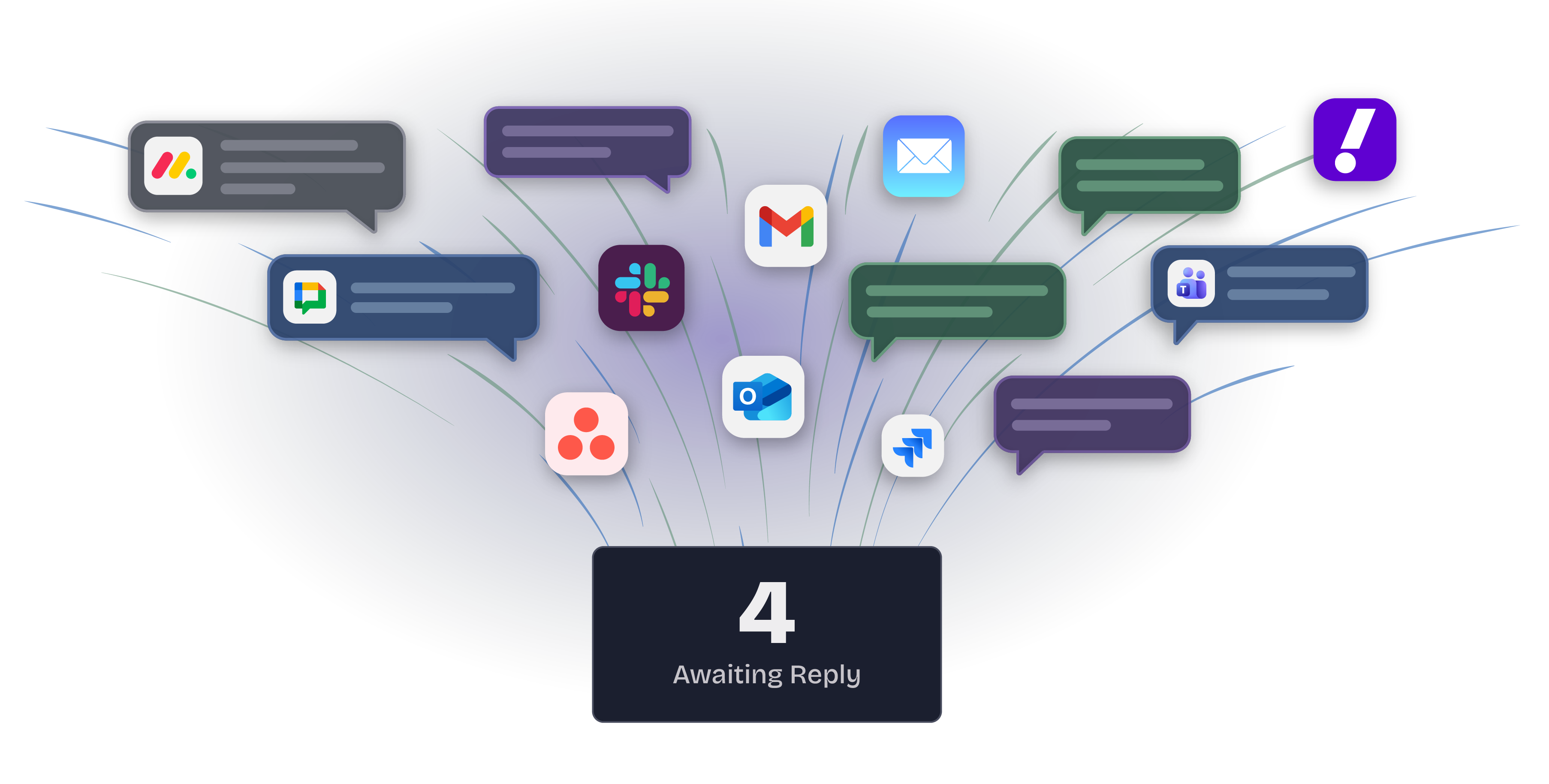
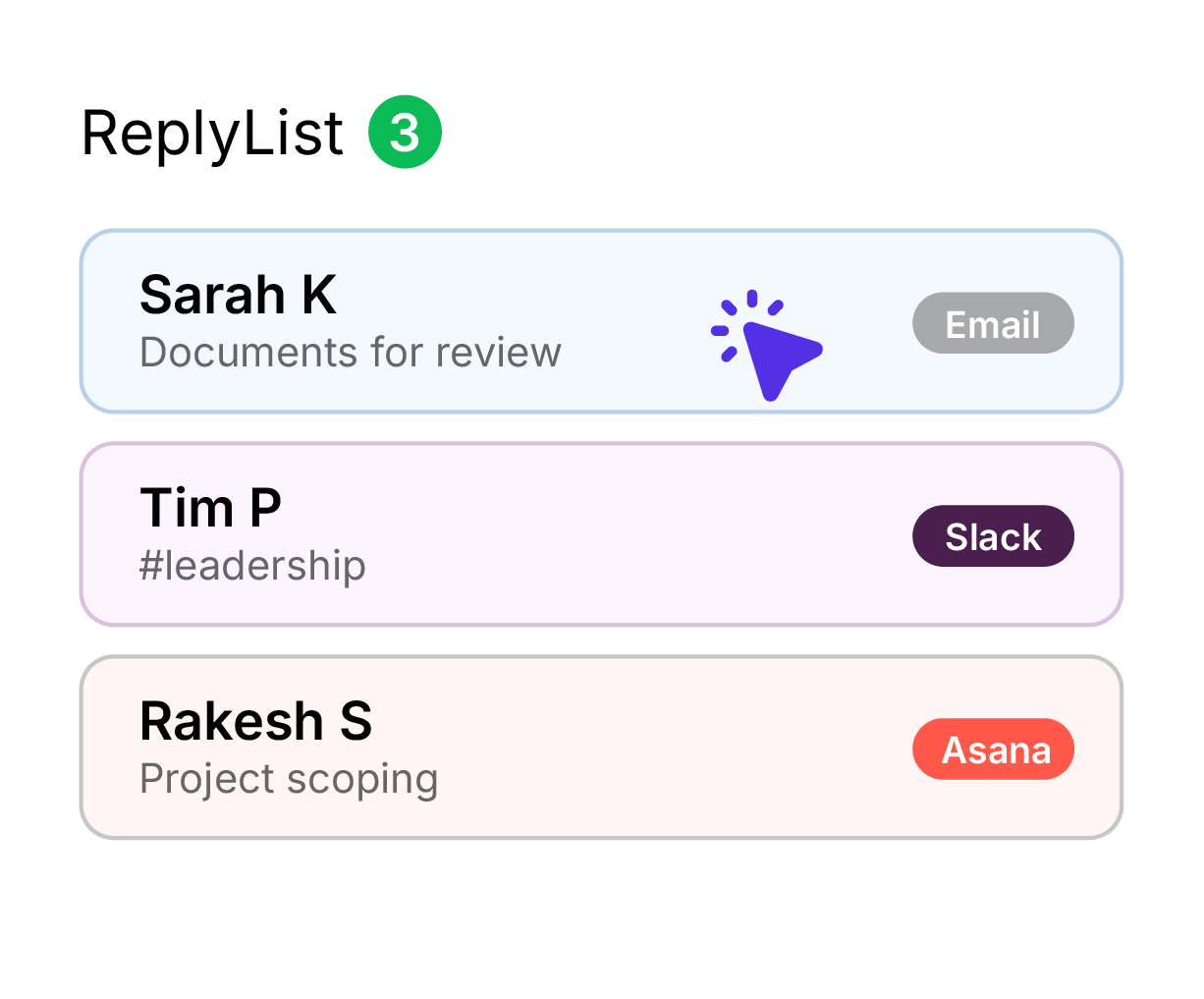
ReplyList uses AI to analyze your incoming emails and chat messages. It looks for things like direct questions, action requests, and follow-ups that are waiting on you. Only messages that need your response are included in your digest.
Can you read my emails and messages?
Message content is analyzed by AI and immediately discarded. We never store your email bodies or chat messages. We only keep a record of who messaged you and why it needs a reply. All sensitive data is encrypted, and your data is never used to train AI models. See our Privacy Policy for details.
How do I receive my digest?
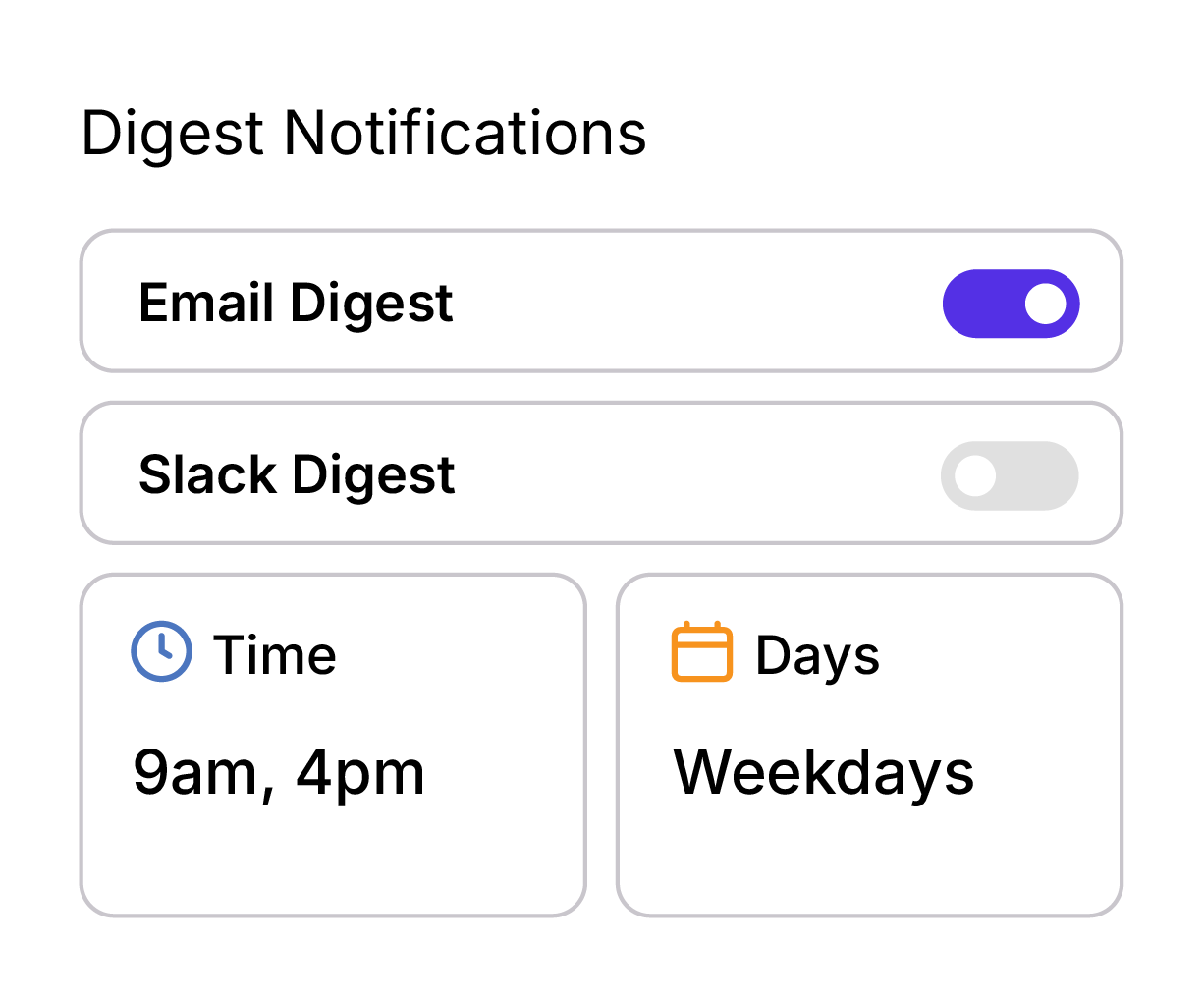
You choose. ReplyList can deliver your digest via email or Slack at the times you pick - morning, afternoon, or both. You can change your delivery preferences anytime from Settings.
What tools does ReplyList work with?
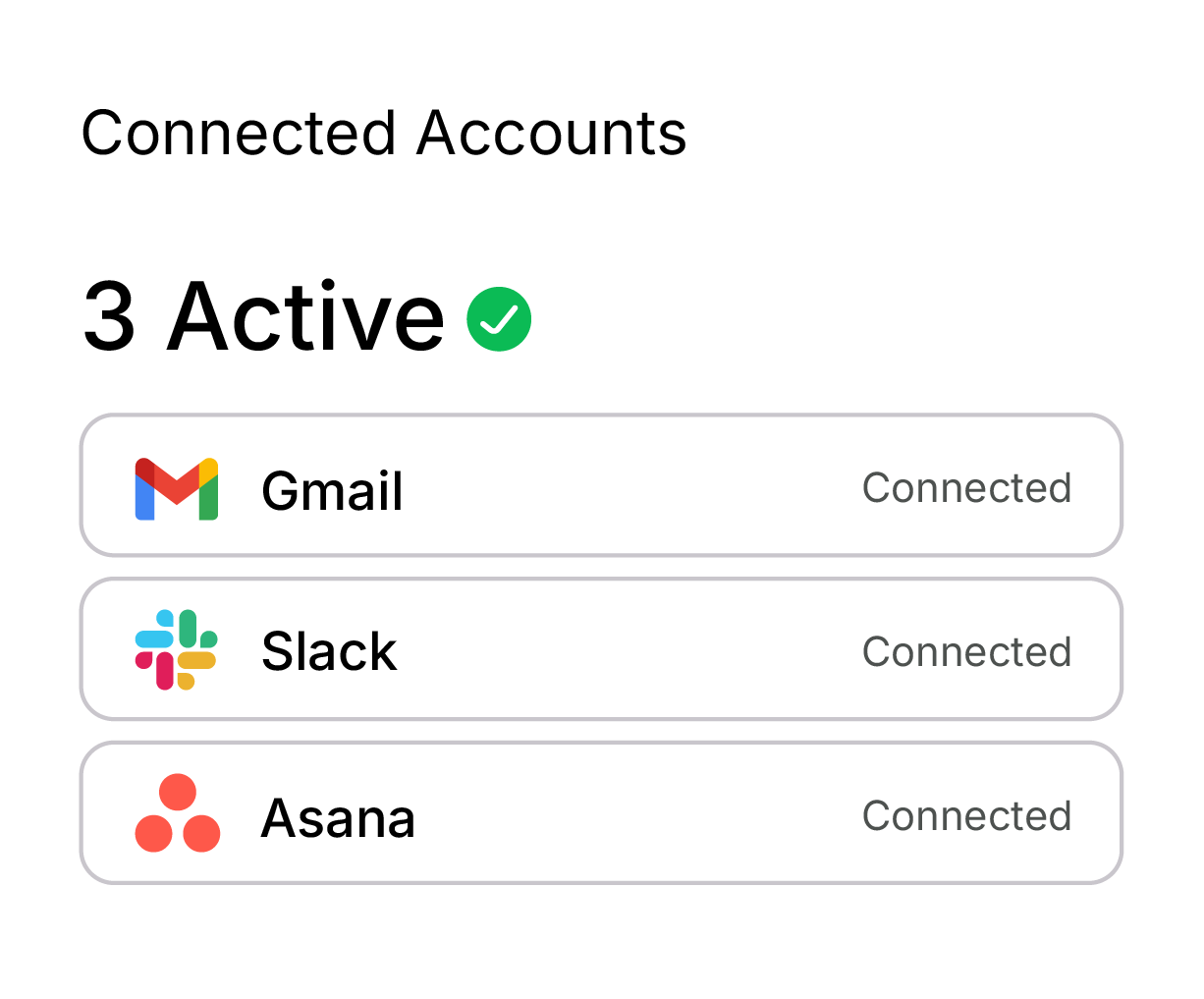
ReplyList supports Gmail, Microsoft Outlook, IMAP, Slack, Microsoft Teams, Google Chat, Asana, Monday.com, and Jira - with more integrations coming soon!
Can I control which messages are tracked?
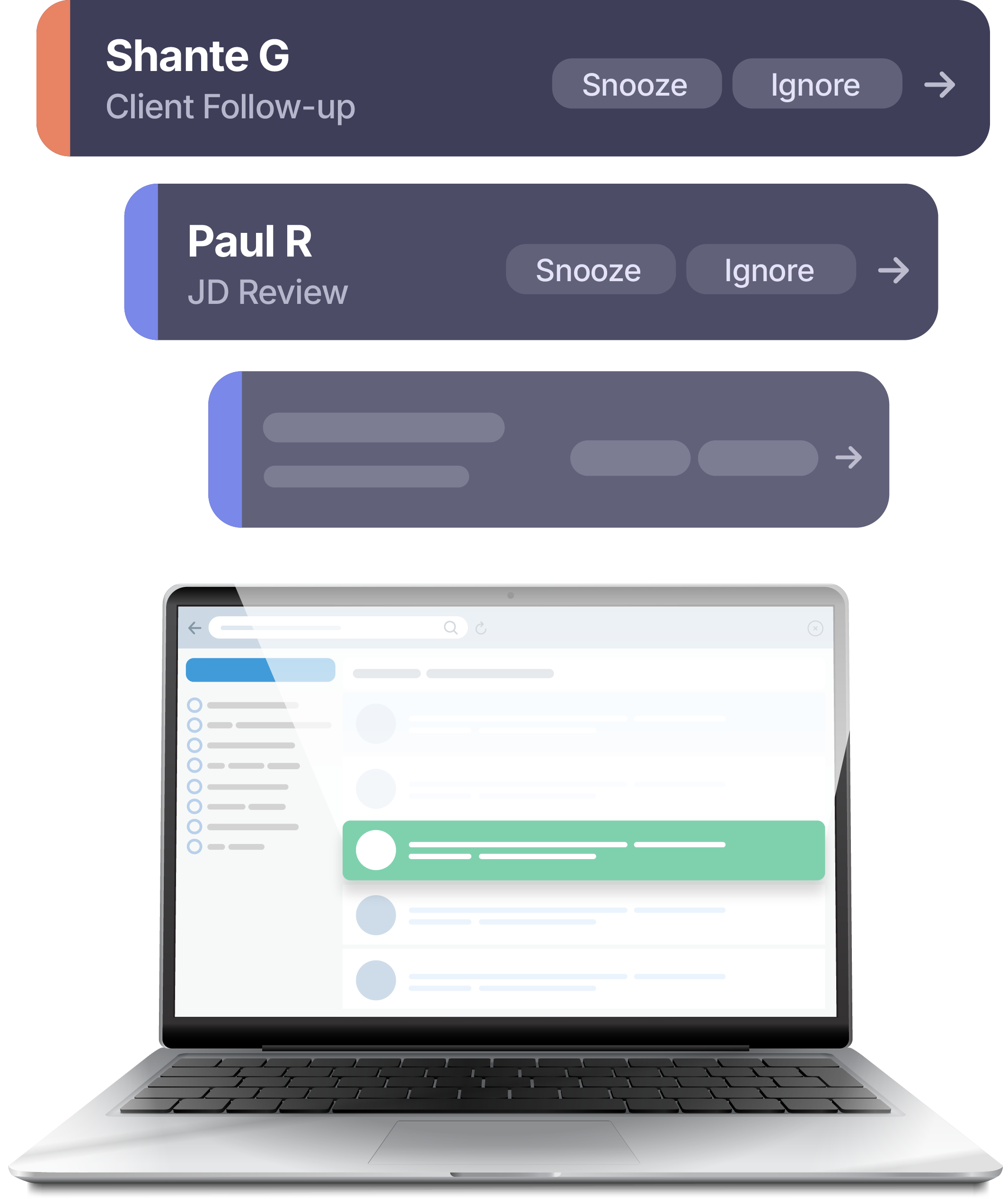
Yes. You can set up an ignore list to exclude specific email addresses and domains, a VIP list to prioritize important senders, and snooze individual messages to deal with them later.
Can we cancel anytime?
Yes! No contracts. Cancel anytime in your billing settings.
Request early access
Fill out the form below to gain free, early access!
Thank you! Your submission has been received!
Oops! Something went wrong while submitting the form.